
With our cross-platform template that handles all the Bluetooth complexity — so you can focus on building your app.
What is this?
Want to build a scale connected mobile app? The hard part is done — real-time weight streaming, reconnection logic, fault detection, scale commands, and parameter access — all wired up and working on day one.

Clone it, rename the app, swap in your own UI. The BLE layer is production-ready and stays out of your way.
Advertisement parsing, GATT connections, characteristic notifications, reconnection — all handled. You subscribe to a stream and get live weight data.

Android and iOS, with the correct permissions, CocoaPods integration, and platform-specific Bluetooth handling already in place.

The core BLE files are designed to stay untouched. Build your app around them — replace the example screens with whatever your users need.
Supported hardware
The template automatically detects which device it's connected to and selects the correct parameter IDs. You don't need to handle that yourself.
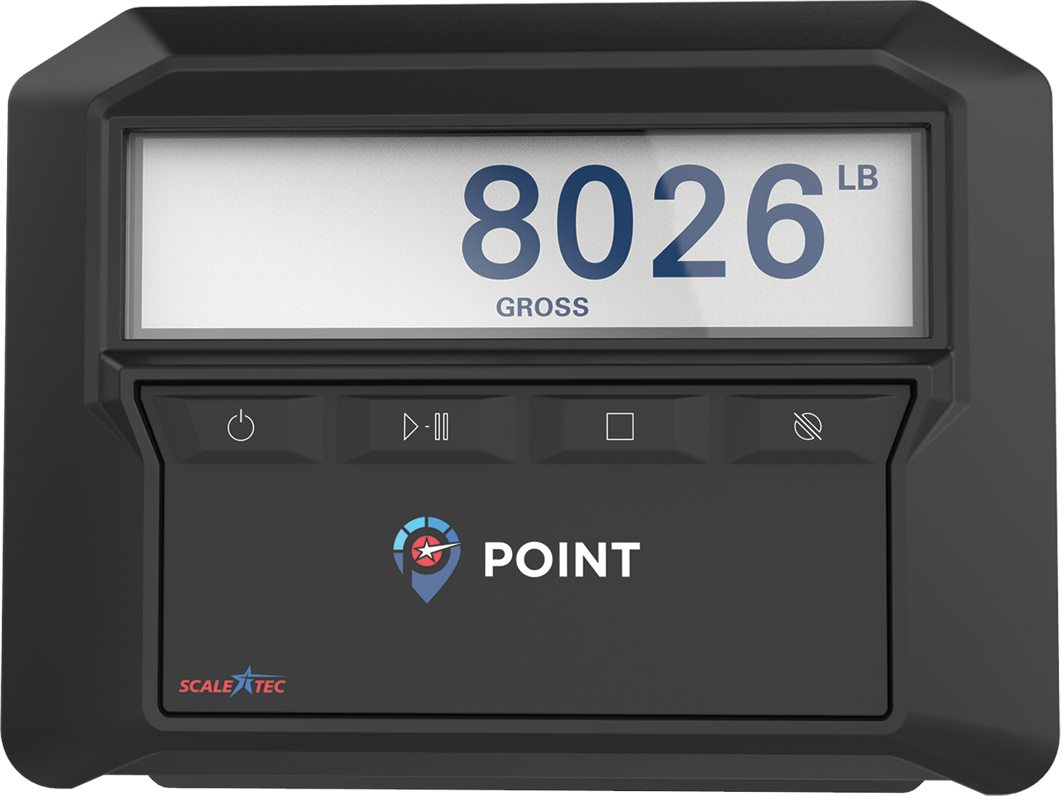
The original Scale-Tec indicator. Supports Zero, Tare, Gross commands and full parameter read/write. Fault detection included.
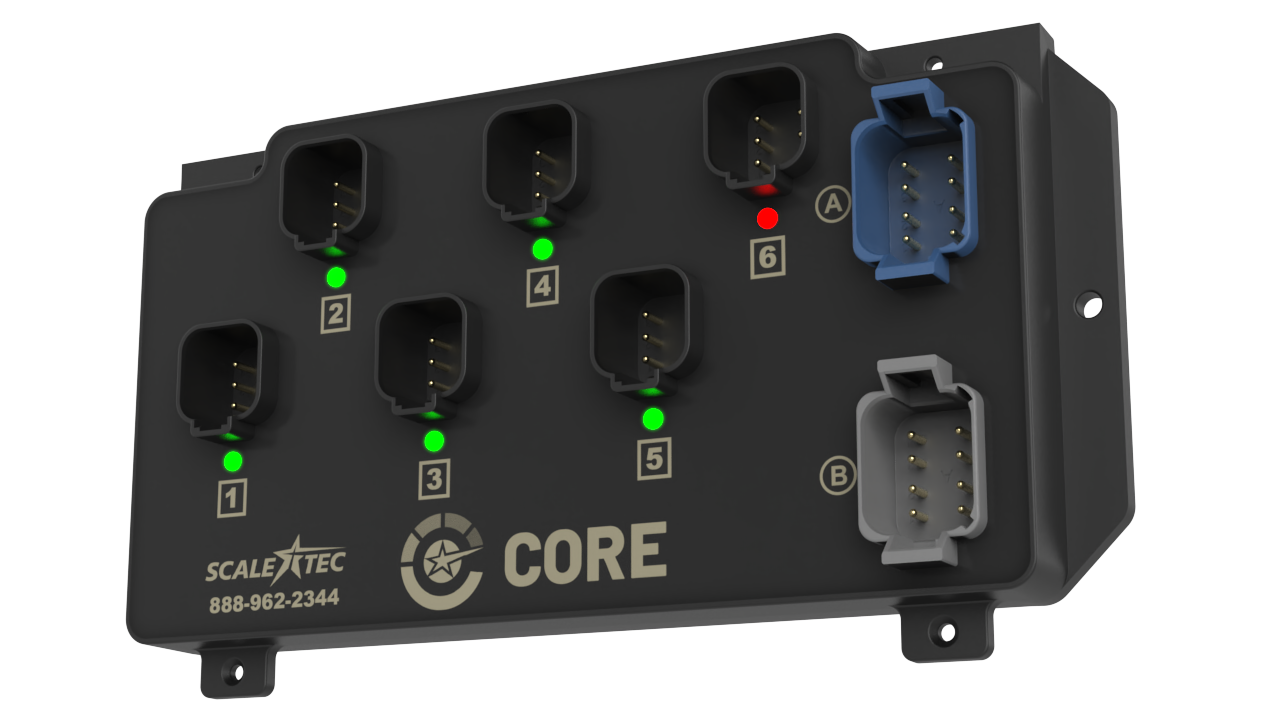
Scale-Tec's new multi-ADC scale controller supporting up to 6 load cell channels simultaneously with industry leading diagnostics. Per-channel fault reporting via sjbFaults in the state stream.
What's included
Connecting your own app to an agricultural scale system wasn't easy... Until Now! .
Weight data from BLE advertisement packets — no GATT connection required for live display. Allows for live weight to be displayed even when signal is poor.
Handles reconnections quickly to minimize impact on user experience. Direct connect by device ID with scan fallback. A keep-alive timer detects dropped connections within 1 second.
Reads load cell faults automatically when the scale requests service.
Zero, Tare, Gross, and Tare Stop with Load Record — ready to wire to any button in your UI.

Read and write Units, Display Language, Display Count, Scale Capacity, and Filter Sample Depth over GATT.
Scanning pauses automatically when the app is backgrounded and resumes when it returns to the foreground. Maximizing connection stability with minimal impact on battery life.
How it works
All weight data, connection status, and fault information flows through a single stream. No polling, no callbacks — just reactive data.
// Create a manager for your device
final manager = ScaleConnectionManager(device);
manager.start();

// Subscribe — weight, status, and faults in one place
manager.stateStream.listen((ScaleConnectionState state) {
  final weight = state.data?.formattedWeight; // e.g. "12.34 lb"
  final status = state.status;              // connecting / connected / failed
  final fault  = state.pointFault;          // null if no fault
});

// Send commands
manager.zero();
manager.tare();
manager.gross();
manager.tareStopWithRecord();

// Clean up
manager.dispose();
Project structure
The green files are the reusable BLE core — keep them untouched. The blue files are example screens — replace them with your own UI or modify them to suite your needs.
Included example screens
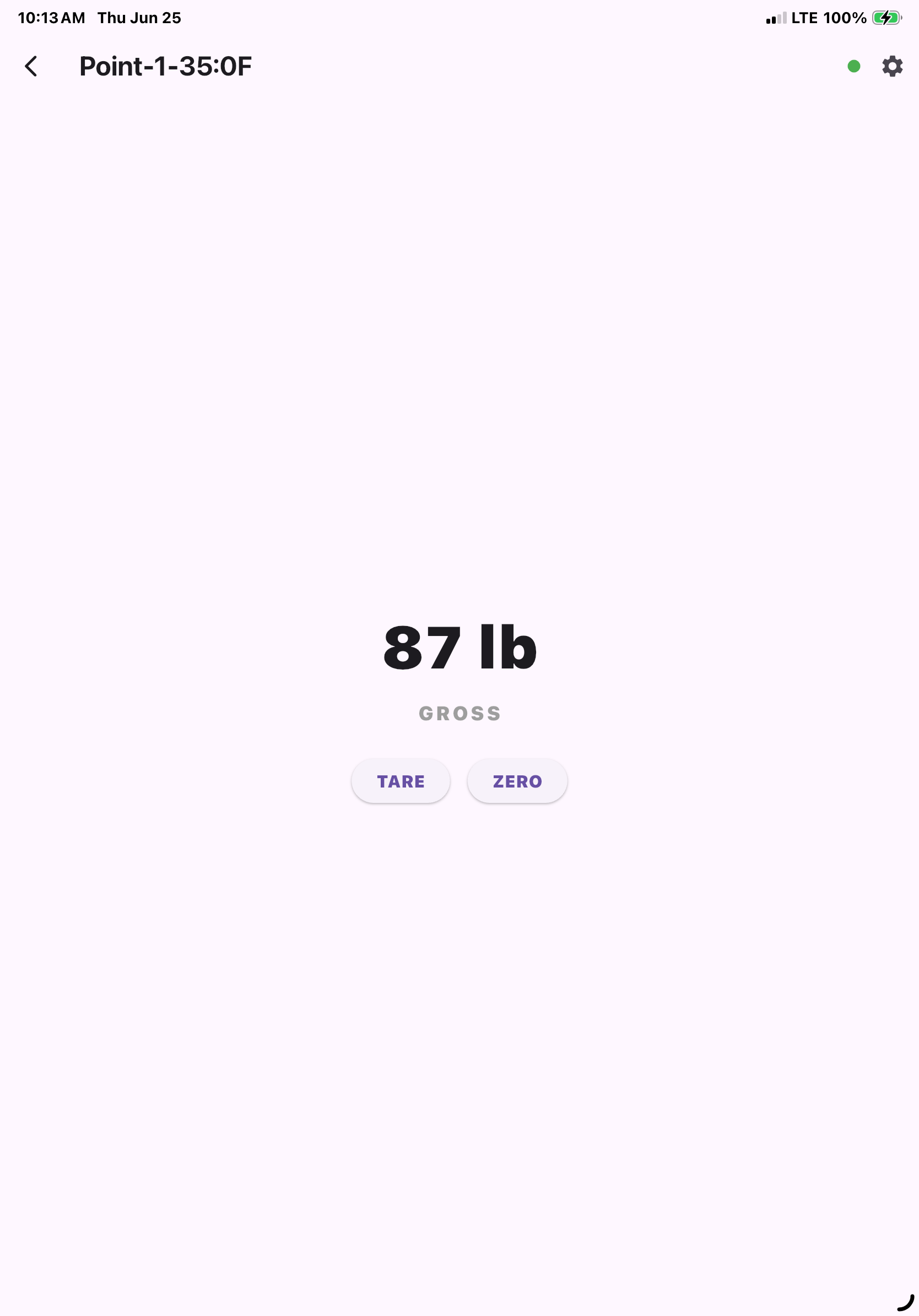
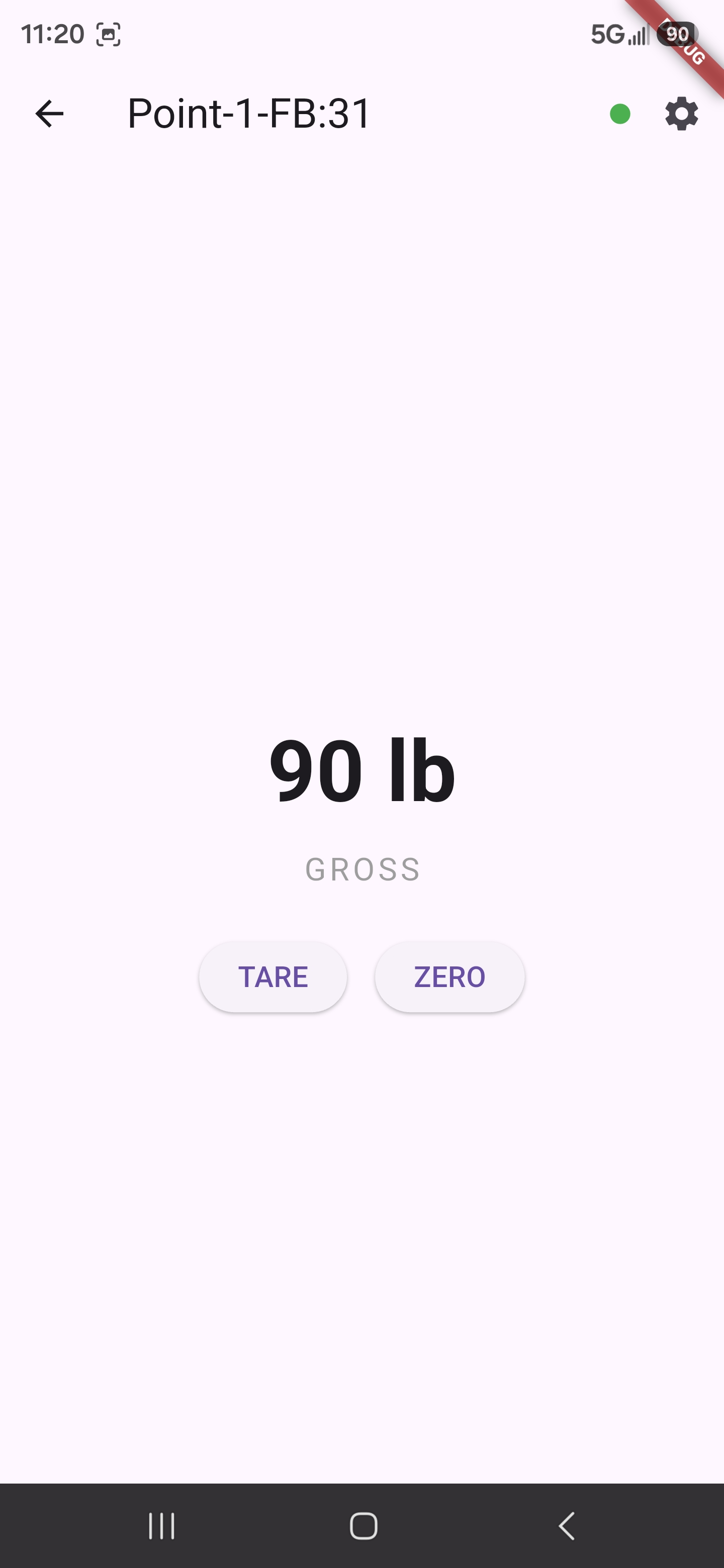
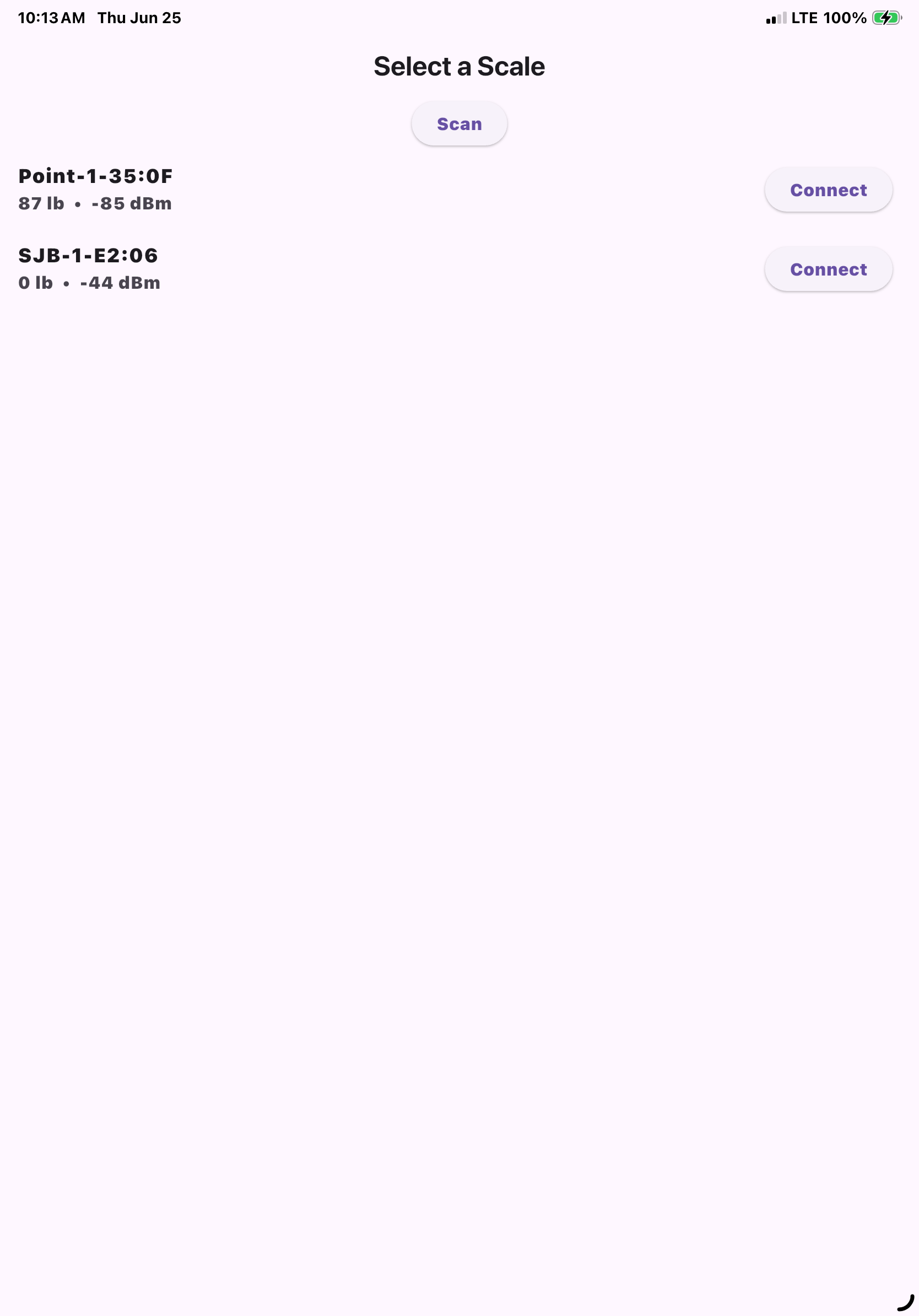
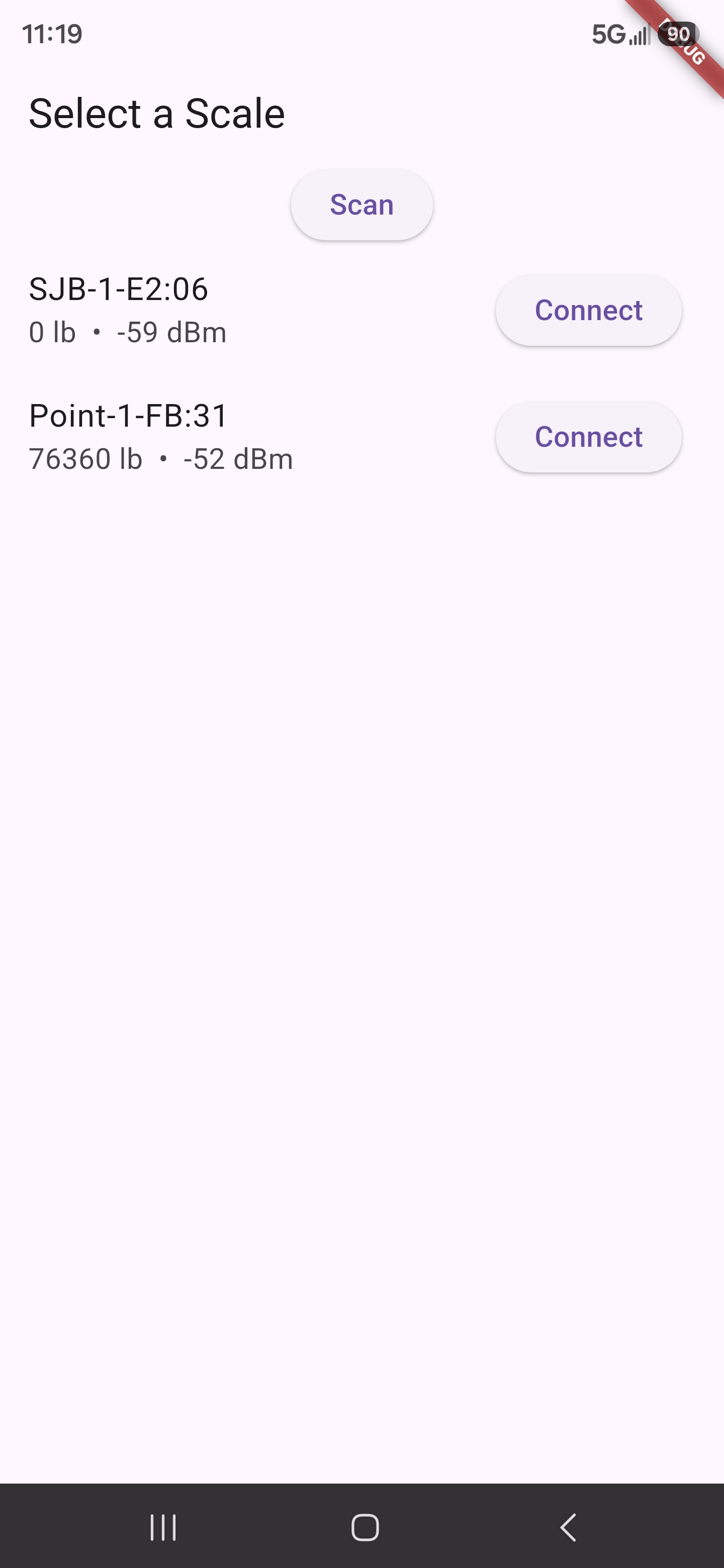
These aren't mockups — they're the actual running app. Replace them with your own UI, or use them as a starting point and modify from there.
Platform setup
Permissions, native dependencies, and platform-specific Bluetooth handling are all in place.

Get started
You'll need Flutter installed and either Android Studio or Xcode depending on your target platform.
Run git clone https://github.com/Dan-Scale-Tec/BLE-Scale-App-Template.git then flutter pub get to fetch dependencies.
Update the app name in pubspec.yaml and the bundle ID in build.gradle.kts (Android) or Xcode Signing settings (iOS). Do this before writing any code.
Connect a device or open a simulator and run flutter run. The example screens let you scan, connect, display live weight, send commands, and read parameters right away.
Replace the screens in lib/screens/ with your own. Keep lib/src/ untouched — it's the part that talks to the scale and it's designed to stay stable across template updates.
Resources
Helpful links for getting your Flutter environment set up, learning the framework, and publishing your finished app.
Show Us What You Built
We'd love to see it. Share a screenshot and a short description of your app — you might inspire the next developer to get started.
This repository is open source under the MIT License—feel free to use it in personal or commercial projects. See the LICENSE file for full terms.